TECH NOTE
【Git】git pushができない原因
この記事では、ローカルからリモートにgit pushができない原因を掲載していく。
non-fast-forward
ローカルとリモートの状態。vue-js-1というコミットで分岐している。
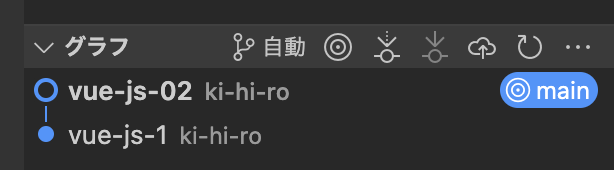
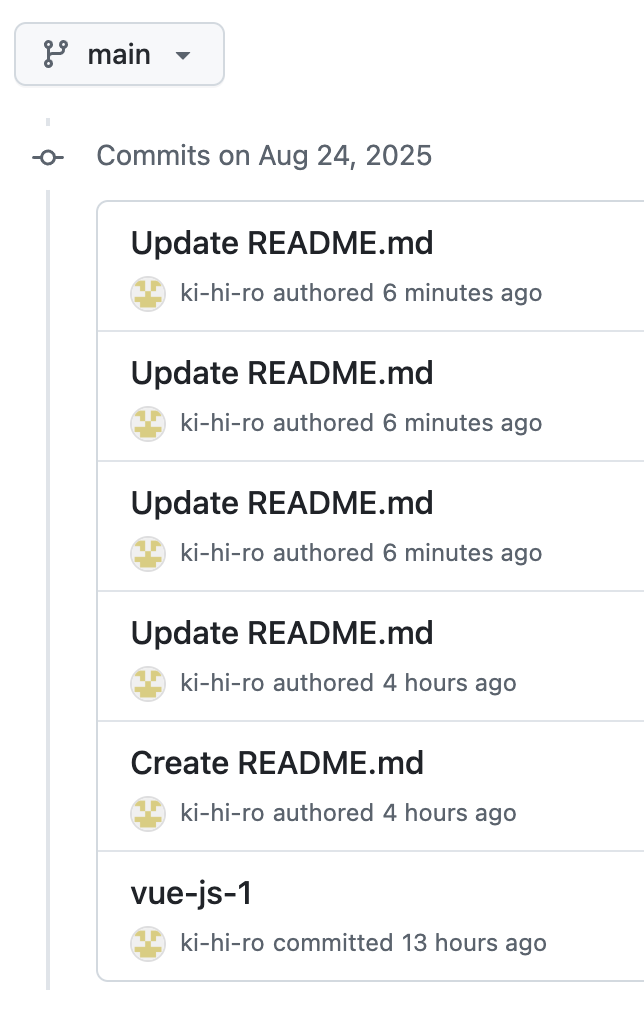
この状態でローカルからリモートにpushしようとすると、以下のメッセージが表示される。
hiroki@shibatahiroshitakanoiMac my-vue-js % git push origin main
To https://github.com/ki-hi-ro/my-vue-js.git
 ! [rejected]        main -> main (non-fast-forward)
error: failed to push some refs to 'https://github.com/ki-hi-ro/my-vue-js.git'
hint: Updates were rejected because the tip of your current branch is behind
hint: its remote counterpart. Integrate the remote changes (e.g.
hint: 'git pull ...') before pushing again.
hint: See the 'Note about fast-forwards' in 'git push --help' for details.
non-fast-forwardは、単純更新できないという意味。
tip of your current branch is behindは、現在のブランチの最新コミットが遅れているという意味。
remote counterpartは、リモート側の対応物という意味。
Integrate the remote changesは、リモートの変更を取り込んでくださいという意味。
つまり、ローカルのブランチがリモートよりも遅れているため、プッシュしようとしても単純に更新できないということ。
fetch first
ローカルとリモートの状態はこちら。タグ追加というコミットから分岐している。
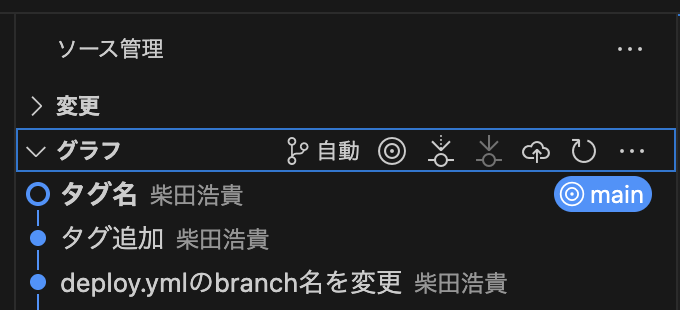
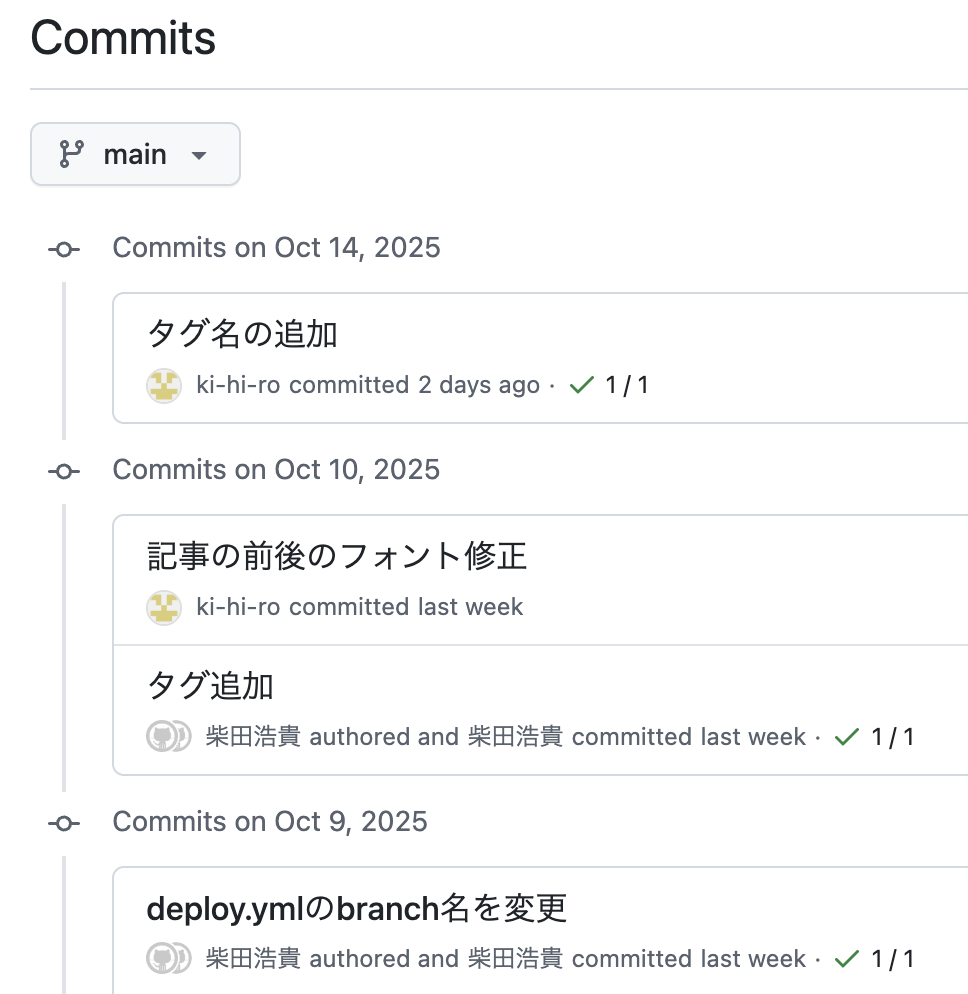
その状態でpushすると以下のようになる。
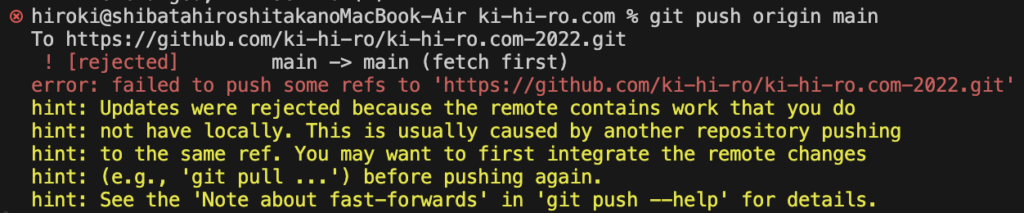
hiroki@shibatahiroshitakanoMacBook-Air ki-hi-ro.com % git push origin main
To https://github.com/ki-hi-ro/ki-hi-ro.com-2022.git
 ! [rejected]        main -> main (fetch first)
error: failed to push some refs to 'https://github.com/ki-hi-ro/ki-hi-ro.com-2022.git'
hint: Updates were rejected because the remote contains work that you do
hint: not have locally. This is usually caused by another repository pushing
hint: to the same ref. You may want to first integrate the remote changes
hint: (e.g., 'git pull ...') before pushing again.
hint: See the 'Note about fast-forwards' in 'git push --help' for details.
リモートの方が進んでいるため、pushが拒否されている。リモートに自分の知らないコミットがあることが明確な原因。
fetch firstは、リモートの変更をまず取り込んでくださいという意味。
remote contains work that you do not have locallyは、リモートにはローカルにない変更がありますという意味。
This is caused by another repository pushingは、他のリポジトリのプッシュによるものである。
You may want to first integrate the remote changes before pushing againは、リモートの変更を統合してからもう一度pushしてください。